The right Pilates exercise for the client in front of you.
Ask mid-session. Get an exercise, why it suits them, and what to watch for, starting from your own library.
Create a free accountA Pilates teaching assistant you can use between exercises
- 01
Choose the client
Their goals, notes and conditions come with the question, so you don't retype them mid-session.
- 02
Ask in your own words
“What can replace kneeling arms today?” If it needs more to go on, it asks one round of short questions first.
- 03
Teach the suggestion
Up to three exercises, each with why it suits this client, springs and reps on apparatus, and what to watch for.
Pilates exercise suggestions that start from your own library
The assistant searches the exercises you've written down before anything else. When it suggests one of yours, the name, apparatus and setup are exactly what you stored, not a rewording.
When nothing in your library fits, it proposes an exercise from the wider Pilates repertoire and labels it as its own. You always know which is which.
How suggestions are chosenSpring settings, reps and what to watch for, on every apparatus
Mat, reformer, Cadillac, chair and barrel. Apparatus suggestions come with a starting spring setting and a rep range, written the way you'd put them on a card. Adjust them for your equipment and your client.
Each one lists what to watch for while they move, so you know where to look before they start.
For reformer and apparatus instructorsClient notes and conditions that shape every answer
Keep each client's goals, notes and conditions in one place. Pick the client before you ask, and the rules you wrote for their conditions, like a movement to avoid or a range to stay within, go with the question.
The assistant applies your rules; you check its judgment. It doesn't diagnose, name causes or suggest treatment.
For instructors of clients with injuriesBuild your Pilates exercise library as you teach
A new account starts empty and answers from the first question. When the assistant suggests something worth keeping, “Add to my library” opens the exercise form already filled in. Nothing is saved until you save it.
Add your own exercises, conditions and movement rules whenever you like. They go straight into the answers from then on.
Browse exercise alternativesEvery suggestion, illustrated
Each suggestion comes with a drawing of the exercise, so you can check the setup at a glance. These two were drawn by the assistant and are captioned as AI-drawn in the app too.
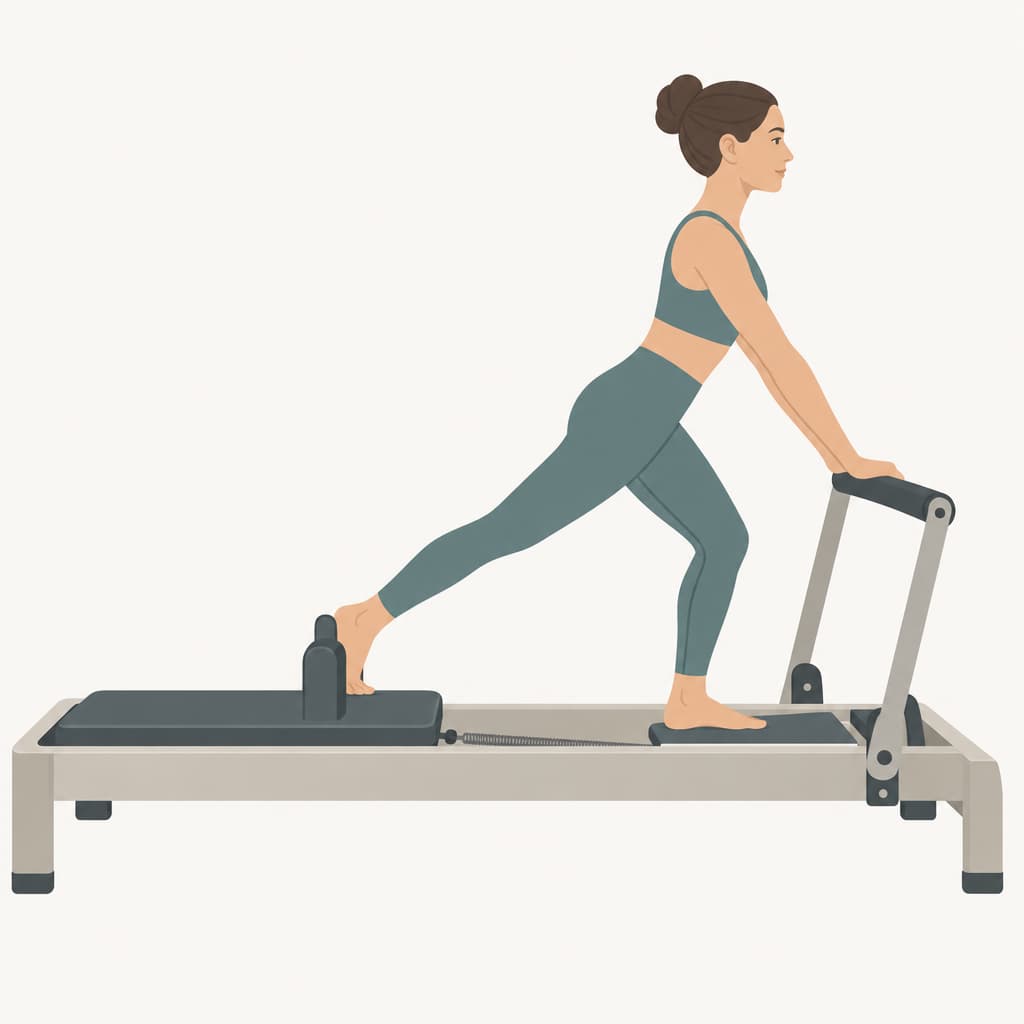
Standing lungeReformerAI-drawn 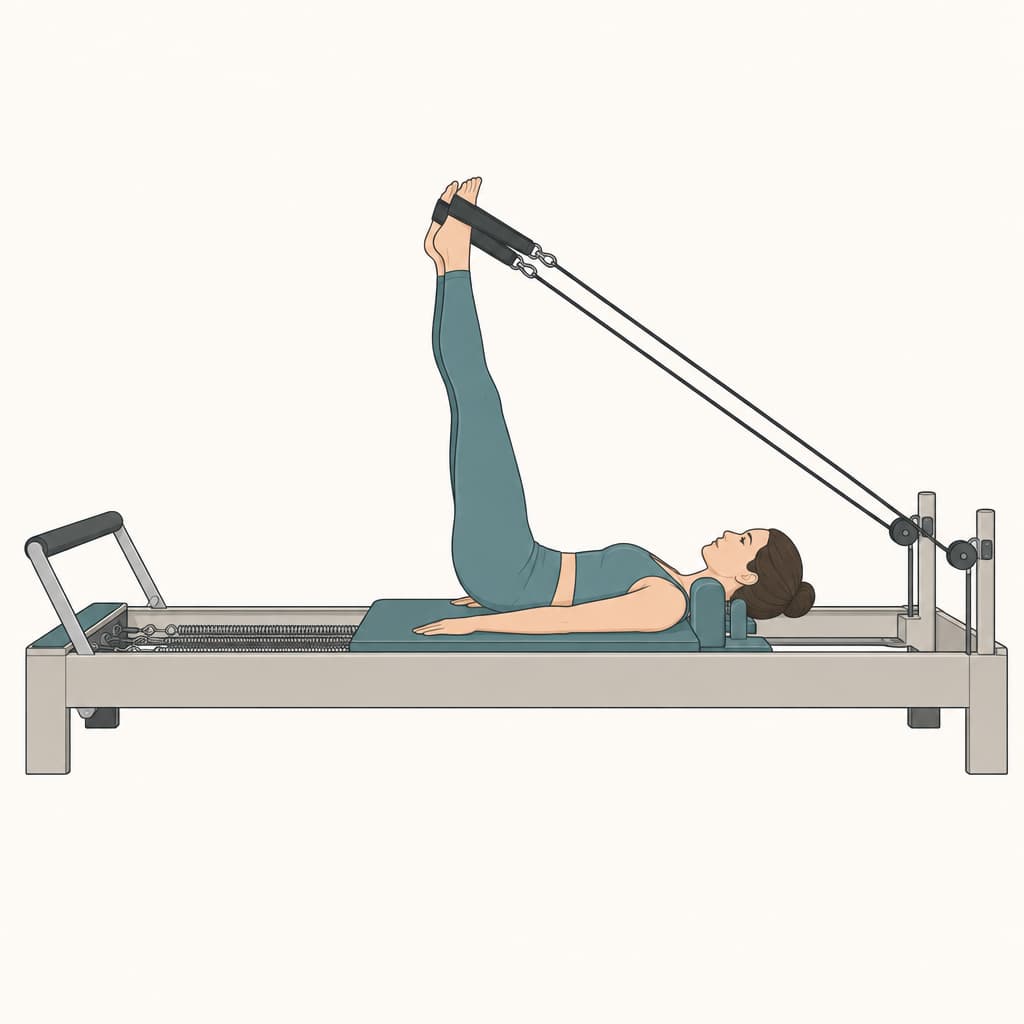
Feet in strapsReformerAI-drawn
Made for the studio floor
Illustrated exercises
Each suggestion comes with an illustration of the exercise, captioned as AI-drawn.
History on each client's page
Every question asked about a client stays on their page, with the answers exactly as they were shown.
Pick up a conversation
Recent conversations are one tap away. Switch client and a new one starts, so notes never cross over.
Private to your account
Clients, notes and your library are yours alone, isolated from every other teacher's in the database.
Today's session, not a program
It helps with the client in front of you now. Planning classes and longer arcs stays with you.
Free in early access
Create an account and ask your first question. No library to build first, and no card needed.
Common swaps
When a client can't do the exercise you planned: what it was for, and options that keep that work.
Questions
What is Syllene?
An AI assistant for Pilates instructors. You ask about the client in front of you, mid-session, and it suggests up to three exercises, each with why it suits them and what to watch for, starting from your own exercise library. It works on the mat, reformer, Cadillac, chair and barrel.
Is this medical advice?
No. It suggests Pilates exercises and says what to watch for. It doesn't name causes, diagnose, or recommend treatment. You're the professional in the room, and whether an exercise is right for your client is your call.
Where do the suggestions come from?
Your own exercise library first. If nothing there fits, the assistant proposes an exercise from the wider Pilates repertoire. Every suggestion is labeled: “From your library” or “The assistant's own”, so you always know which is which.
Do I have to build a library before I can use it?
No. A new account starts empty and the assistant answers from the first question. Add exercises, conditions and your own rules whenever you like. They go straight into the answers from then on.
Does it plan classes or programs?
No. It helps with the session you're teaching today: an exercise, why it suits this client, and what to watch for. If you want a longer arc for a client, you plan it yourself.
Which apparatus does it cover?
Mat, reformer, Cadillac, chair and barrel. On apparatus it gives a starting spring setting and a rep range.
Who can see my clients?
Only you. Clients, notes and your library belong to your account and are isolated from every other teacher's by row-level security in the database.
What does it cost?
It's free while Syllene is in early access, and no card is needed to sign up. If paid plans come later, you'll be told before anything changes.
How is it different from asking ChatGPT?
Its answers also come from an OpenAI model, but it searches your own library first and labels what's yours, sends each client's notes and your rules with the question so you don't retype them, answers in the same short shape every time, and keeps the history on each client's page. It doesn't plan classes; ChatGPT will.